
If you’ve ever felt that Power Automate documentation is overwhelming, you’re not alone.
Most learning resources jump straight into complex flows, premium connectors, or advanced expressions—without explaining why, when, or how things actually work in real projects.
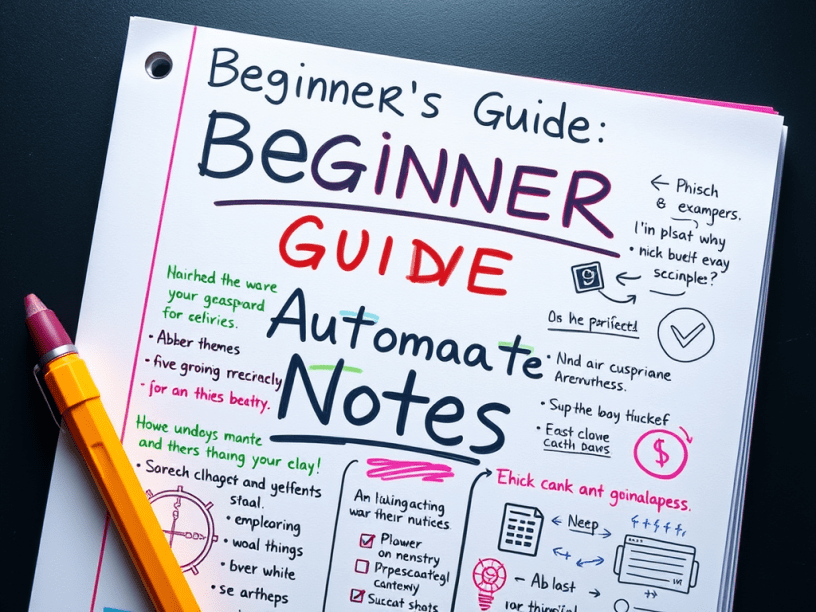
That’s exactly why I created these Power Automate Handwritten Notes (v1.0) — a beginner-friendly, visual, and practical guide designed for real understanding, not just memorization.
Why These Power Automate Notes Are Different
These are not copied slides or AI-generated summaries.
They are:
- ✨ Handwritten-style notes (student-friendly)
- 🟢 Neon-highlighted key concepts
- ✏️ Simple doodles for every major concept
- 🧠 Real-world practical examples
- 📖 Written exactly how I teach students in live sessions
Every page is designed to answer one question:
“Can someone understand and apply this in a real Power Automate flow?”
Each concept includes:
- 📌 Definition
- 📌 Visual doodle
- 📌 Practical example
- 📌 When to use & when not to use
🎯 Who Should Use These Notes?
These notes are perfect if you are:
- 👨💻 A Power Automate beginner
- 👩💼 A Power Platform learner
- 🧑🏫 A trainer or instructor
- 🏢 A working professional automating daily tasks
- 🎓 A student preparing for interviews
- 🔁 Someone revising concepts quickly before a project
If you prefer visual learning over long documentation, these notes are for you.
🧠 How This Helps in Real Projects
Instead of memorizing actions, you’ll learn:
- Why a flow fails
- How data moves between steps
- How to design clean, readable flows
- How to avoid messy nested conditions
- When to use Switch vs If
- How to debug like a professional
These notes are built from real project experience, not theory.
📥 Download / Access the Notes
📘 Power Automate Notes – v1.0
Handwritten • Visual • Practical • Beginner-Friendly
👉 (https://onetidbit.ongraphy.com/courses/PowerAutomate-Notes-694f6ecbd0a36813982523d1)
 Onetidbit
Love the focus on understanding instead of memorization. This will help a lot of beginners.